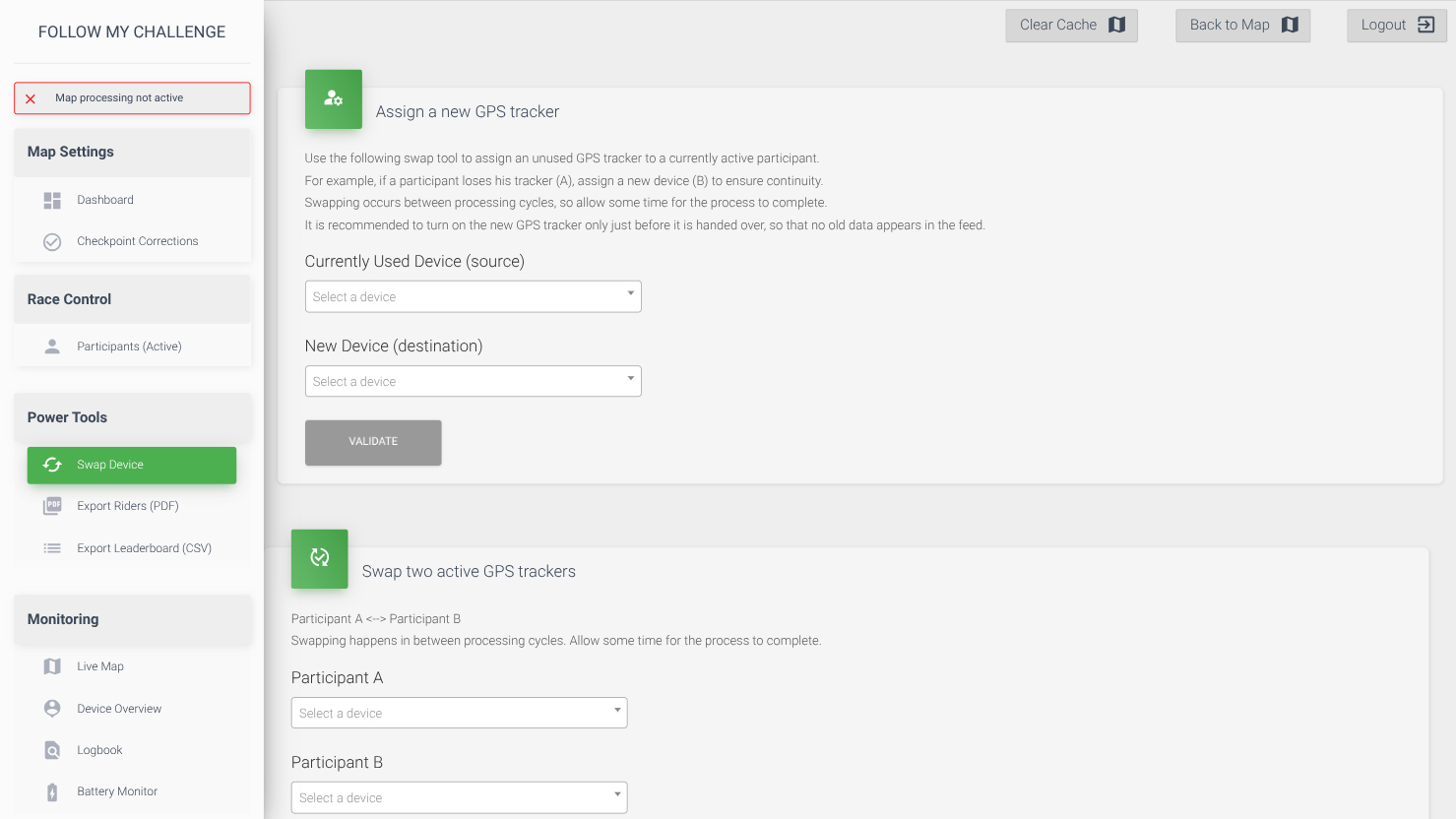
The swap device tab is used when swapping participants’ trackers. There are two main ways that a swap can work and the tab caters to both of these:
- Assign a new GPS tracker – this is typically where a participant has had an issue with their tracker and you would like to replace it, maintaining the history from the previous device. This tool allows you to swap without losing any of the data recorded so far.
- Swap two active GPS trackers – this is typically when two participants have been given the wrong trackers. The swap simply renames the trackers – also copying other fields – with the data from the two devices kept separated.
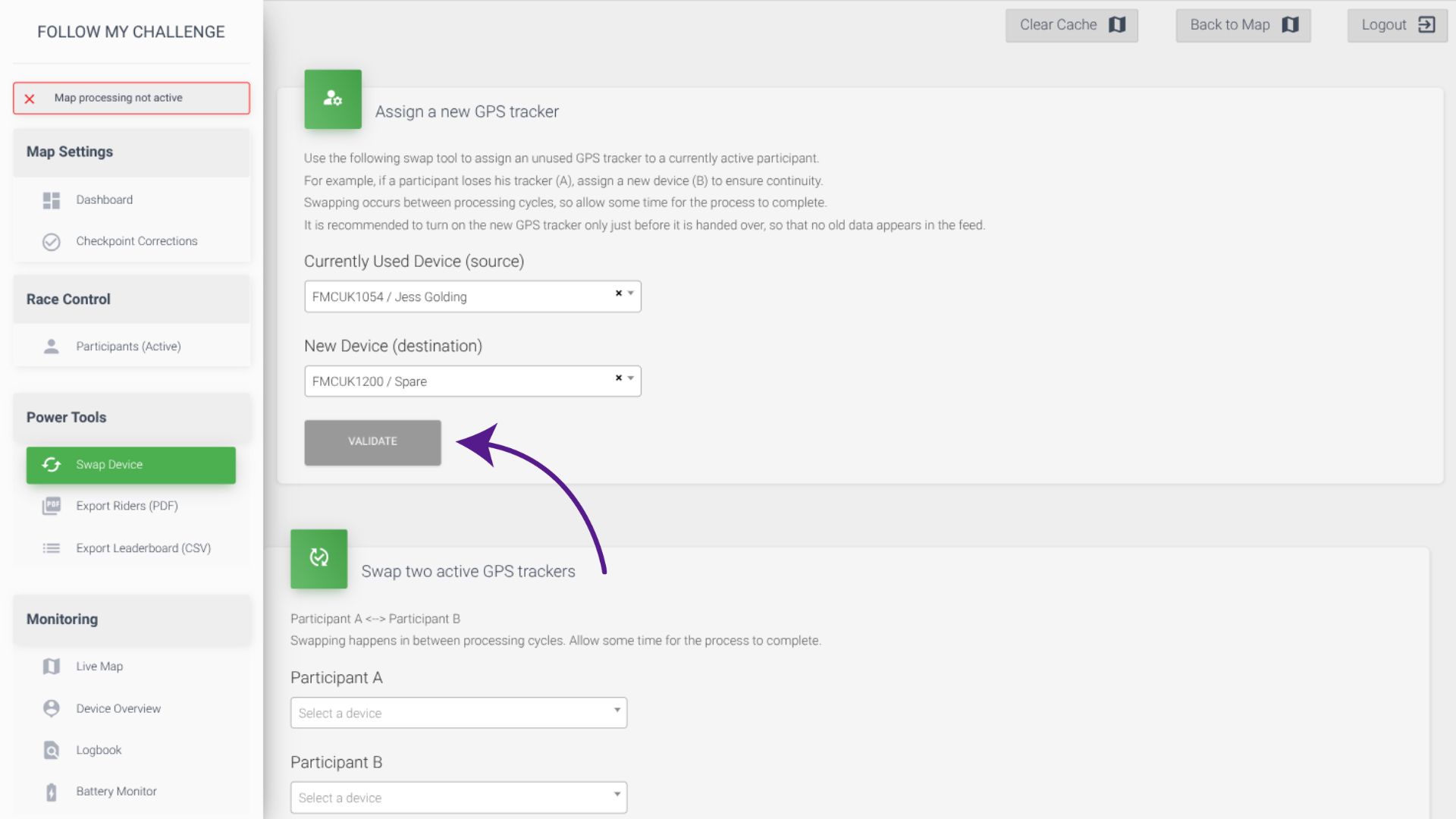
Assign a new GPS tracker
To assign a new GPS tracker, select the tracker currently in use (typically the one that is not working) as the source device. Then select the new device you will be giving to the participant as the destination device. It’s important not to turn on the new device too early if possible to avoid additional track points being pulled through when the swap is made. To complete the swap, click “validate” and wait for the notification to appear saying the swap is complete.
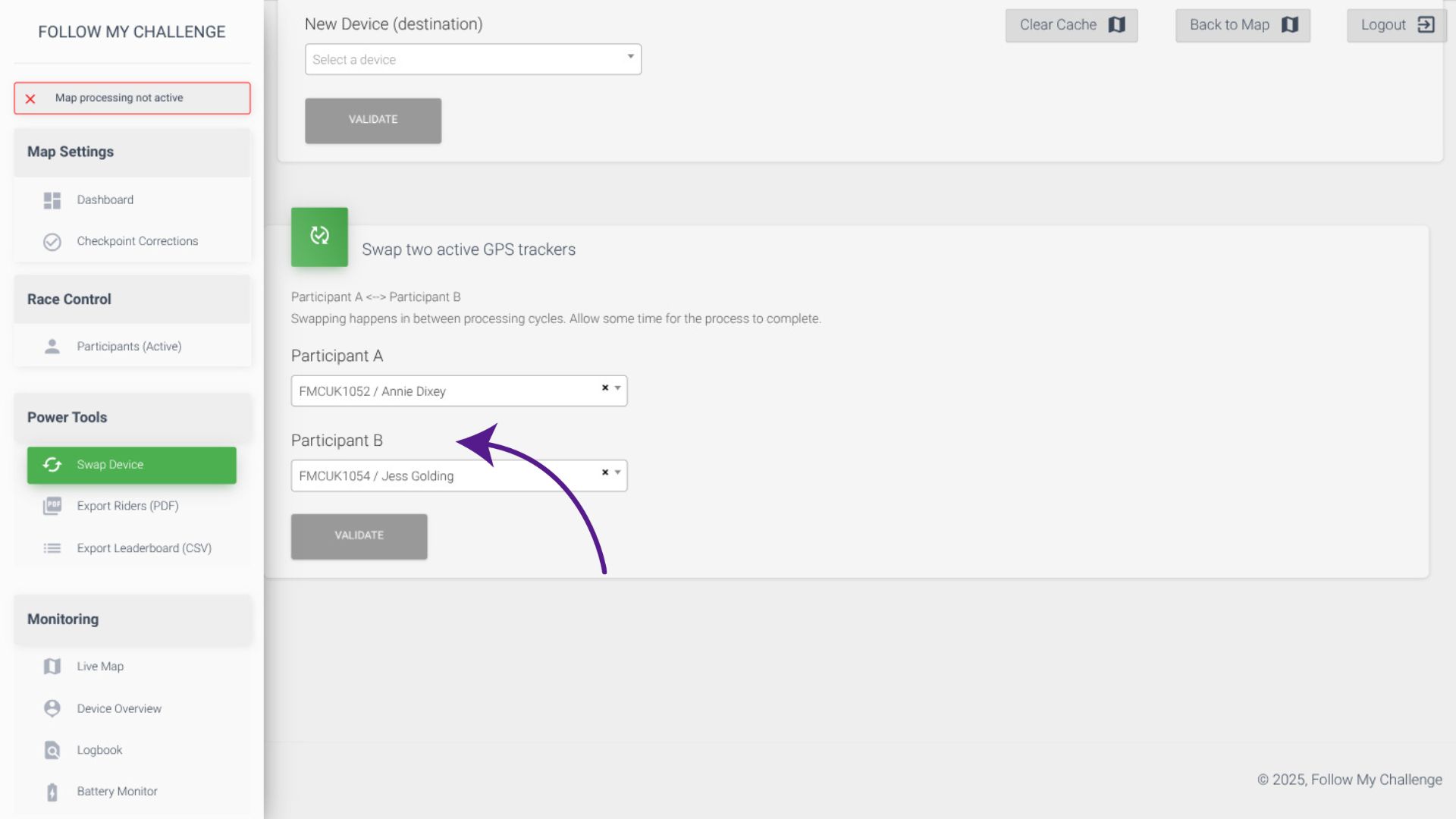
Swap two active GPS trackers
To swap to active GPS trackers, simply select the two participants. The order doesn’t matter. The swap will rename the trackers, also copying over fields like start number, group, tags etc. To complete the swap, click “validate” and wait for the notification to appear saying the swap is complete.